The shift to remote work has transformed the home office from a "luxury" into an essential necessity. However, working from the sofa or the dining table is not sustainable in the long run. To maintain physical health and mental productivity, there are design rules that separate an amateur workspace from a professional one.
Here are the fundamental guidelines for setting up your home office.
1. The Rule of Physical Separation
The brain needs boundaries. If possible, your office should be a dedicated room. If not, use dividers, rugs, or bookshelves to visually delimit where "work" begins and "home" ends.
- Why it matters: This helps you "unplug" mentally at the end of the day, preventing burnout.
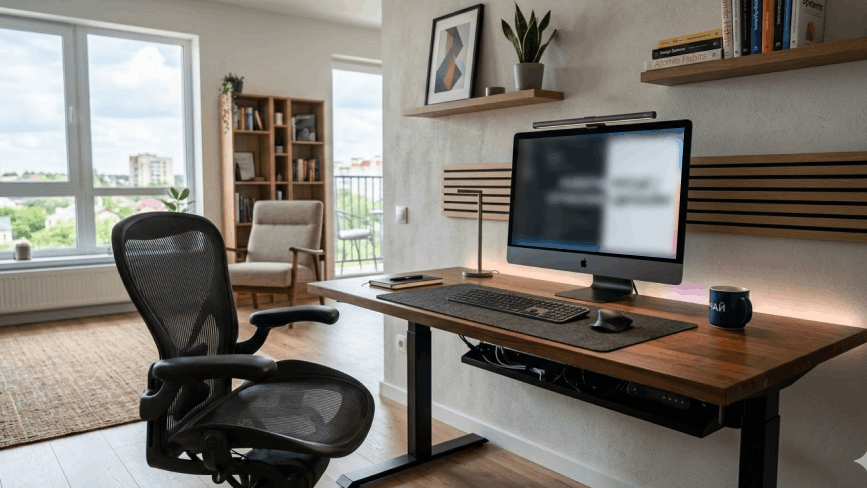
2. Ergonomics: The 90-Degree Rule
The golden rule for your spinal health is the 90-degree angle
- Chair: It must support the lumbar curve and allow your feet to rest flat on the floor.
- Positioning: Your elbows should be at 90 degrees relative to the desk, and the top of the monitor should be at eye level.
3. Layered Lighting
Never rely solely on overhead lighting.
- Natural Light: Position the desk perpendicular to the window to avoid screen glare and heavy shadows.
- Task Lighting: Use an adjustable desk lamp with neutral light to reduce eye strain while reading or writing.
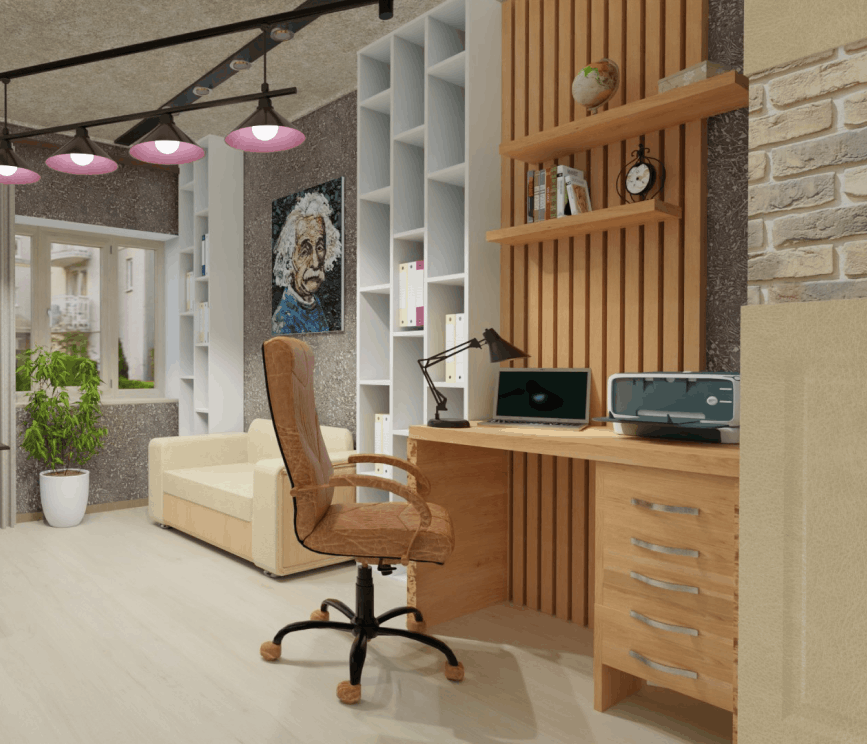
4. The Professional Background Rule
In the era of video calls, what is behind you is your "professional signature".
- What to avoid: Unmade beds, high-traffic family areas, or bright windows that leave your face in the dark.
- What to choose: An organized bookshelf, some plants, or a neutral-colored wall with an inspiring piece of art.
5. Tech and Connectivity
Aesthetics are useless if the Wi-Fi doesn't reach.
- Pro Tip: Ensure your space has enough outlets and, if possible, a wired connection for stability. Hide cables with organizers to keep the look clean.
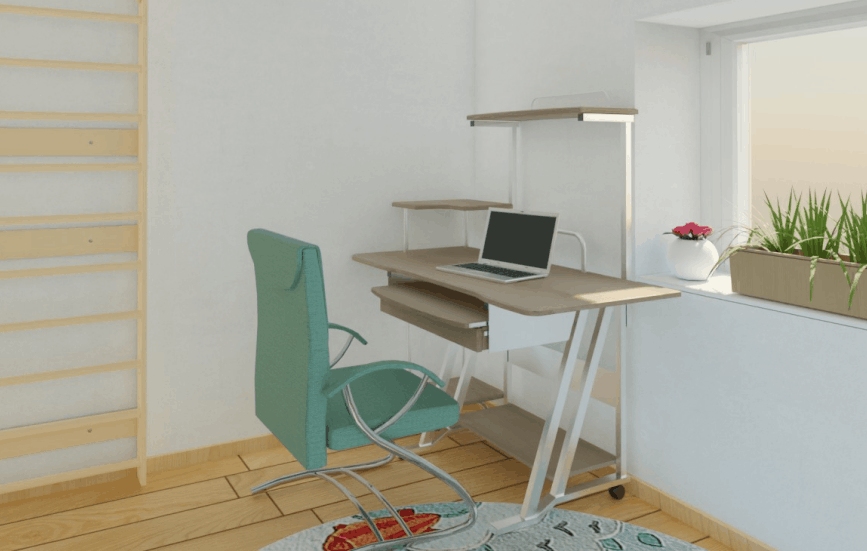
Plan Your Perfect Home Office with Roomtodo
Designing an office requires precision. You need to know if the chair will have enough space to pull back or if window light will hit your monitor before you buy any furniture
The Roomtodo 3D planner is your best ally:
- Layout Testing: Drag and drop different desk and shelf models to find the most ergonomic setup.
- Lighting Simulation: See how light enters through the windows at different times of the day.
- Video Call Visualization: Use the first-person view to see exactly what your colleagues will see on your camera background.
Turn any corner into a high-performance office.
Start designing your Home Office for free with Roomtodo!



 Українська
 Русский
 Français
 Deutsch
 Español
 Português
