Thinking about your first home project online but not sure where to begin? If you’re new to free 3D home design, it’s completely normal to have plenty of questions. Do I need technical skills? Should I use a blueprint or draw from scratch? And how can I tell if my layout will actually work in real life? Get comfy – this short, practical guide will walk you through everything you need for a confident and successful start.
Step 1: Build Your Layout
To answer the question about technical skills, there’s no need to be an architect or an engineer to shape your home in 3D. Most modern online tools are made for everyday users. If you can drag and drop, you can design.
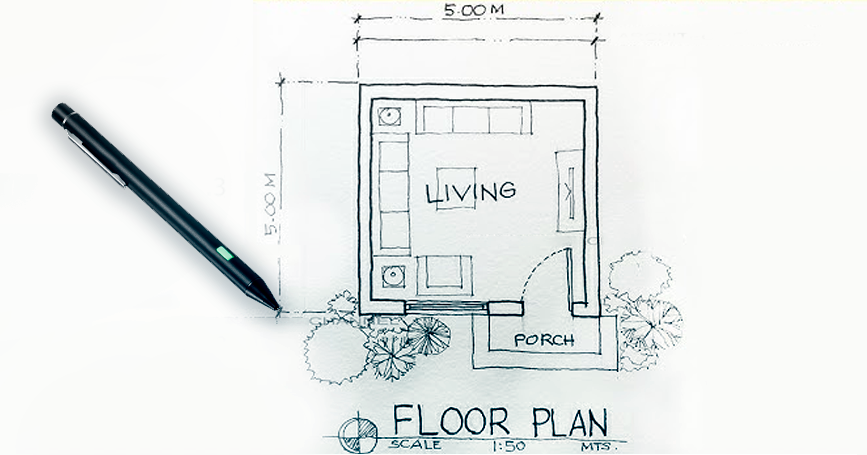
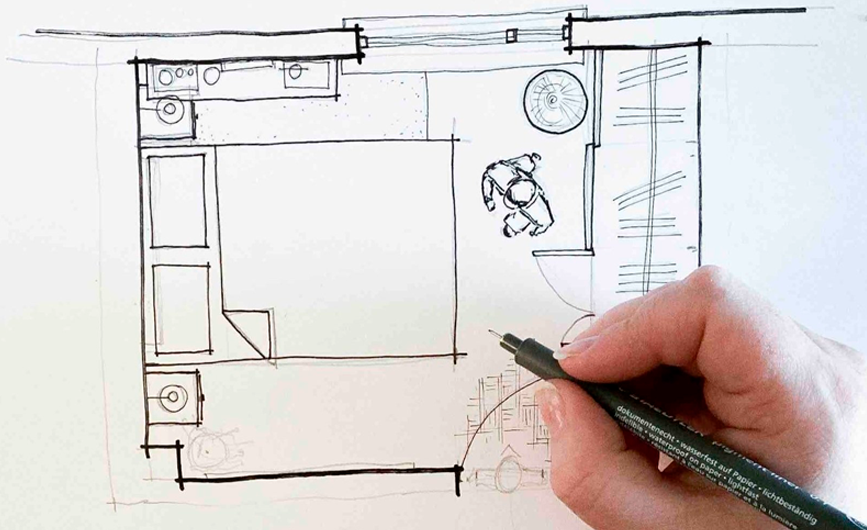
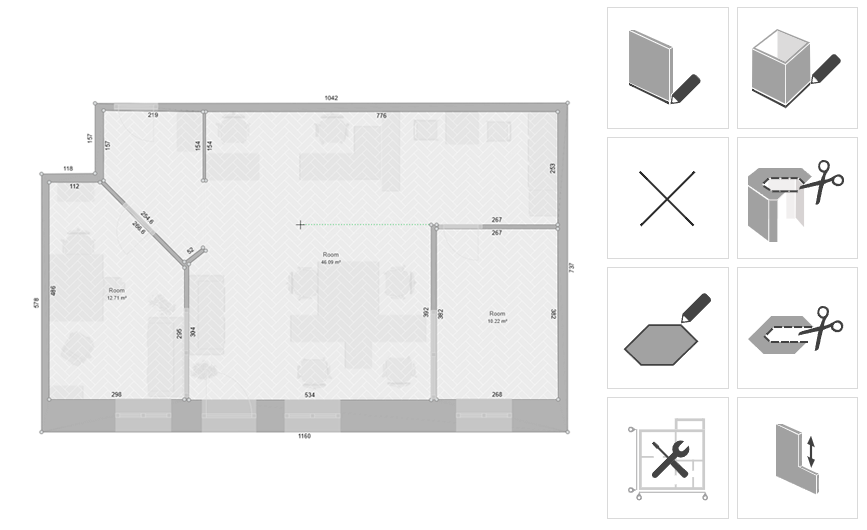
And here you’ll probably come across the next common question: “Do I have to import a floor plan or draw it manually?”. In Roomtodo, you can do both: upload your plan and use it as a reference to trace over in the 2D editor, or start by drawing rooms directly in the online constructor. The comprehensive interface lets you arrange all elements visually, so you’ll immediately see how they fit together in 3D. Just click and drag on the blank canvas to place your first wall. As you create your layout, walls will automatically connect to form rooms. Once you’ve sketched a few, switch to 2D view to see the image from above and fine-tune the details.
Step 2: Tune and Refine
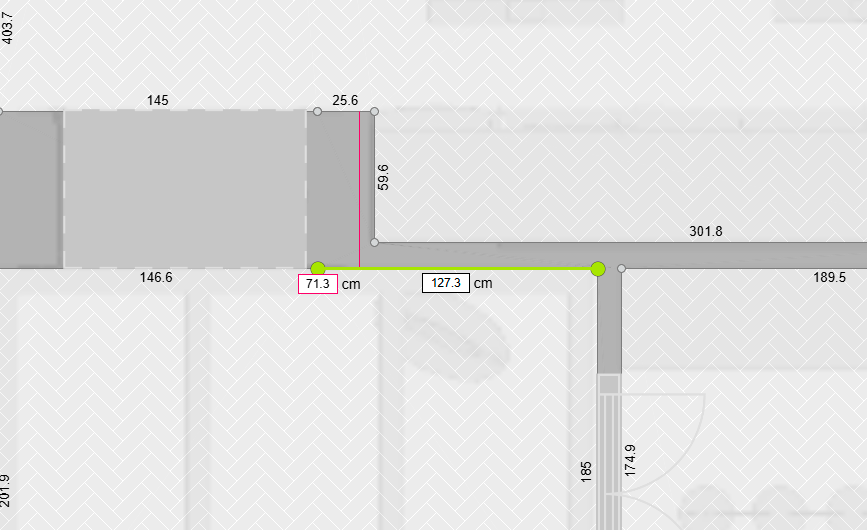
In Roomtodo, you can click on any surface to adjust its dimensions: just type the exact length or width into the measurement box when it appears. Want your kitchen to be exactly 4 meters wide and 5 meters long? Enter the numbers, and the layout updates instantly.
One of the most attractive parts of 3D design is that everything is editable. This is different from drawing with pen and paper, where resizing is harder. So don’t worry about being exact on this level: you’ll be able to refine it later. The main thing to remember at this stage is to sketch out the space and get a feel for how the rooms connect – not to create a perfect plan right away. But if you’re recreating a real home, have a blueprint or some basic measurements nearby to guide you.
Still planning things out? No problem. You can leave rough sizes for the moment and come back later to make it all accurate. Roomtodo lets you work at your own pace – keep moving, stay flexible, and enjoy seeing your ideas take shape in 3D.
Step 3: Switch to 3D mode
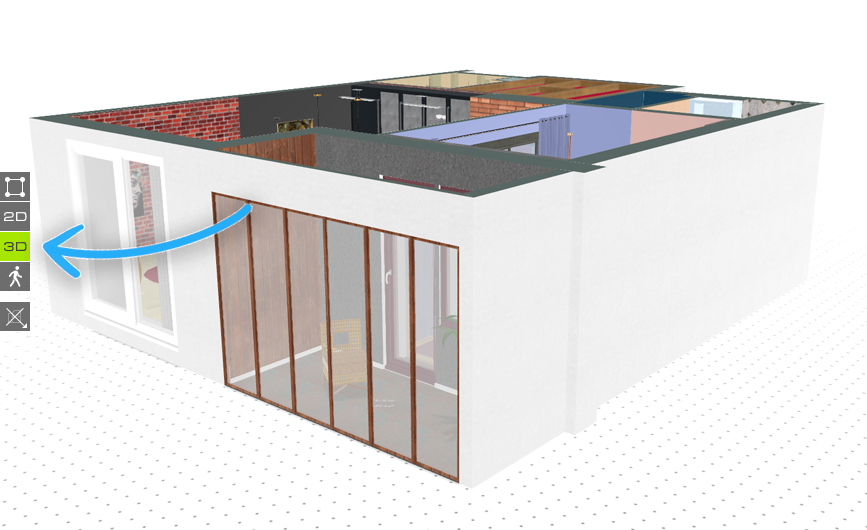
Now it’s time for some magic – start getting a realistic view. With one click, switch from 2D to 3D and watch your flat layout transform into a fully-shaped space. Use the camera controls to zoom in, rotate, and explore your rooms from every angle, as if you’re actually standing inside.
This step not only gives you a good perspective – it helps you see how each area connects within the bigger picture and whether the overall impression feels right.
Step 4: Add Personality with Furniture and Decor
And finally, the most inspirational part: furniture and decor.
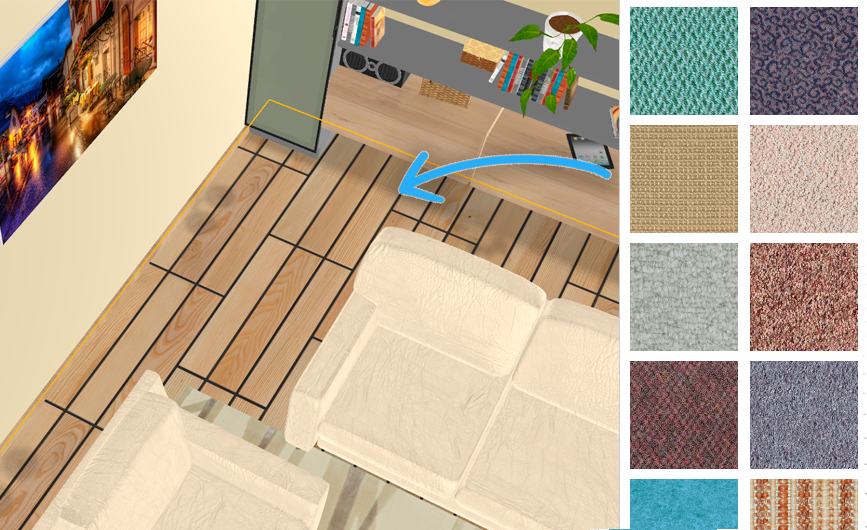
In the Roomtodo catalog, you’ll find everything from sofas, beds, and tables to rugs, lamps, plants, pictures, and more. Place items directly into your layout, then shift them around until the space seems exactly like you imagined it. Want to go further? Customize the finishes. Change the flooring, wall colors, countertop textures – even the materials. Mix and match wood, stone, paint, and tile to find a look that fits your life-style, whether it’s modern, rustic, minimalist, or eclectic.
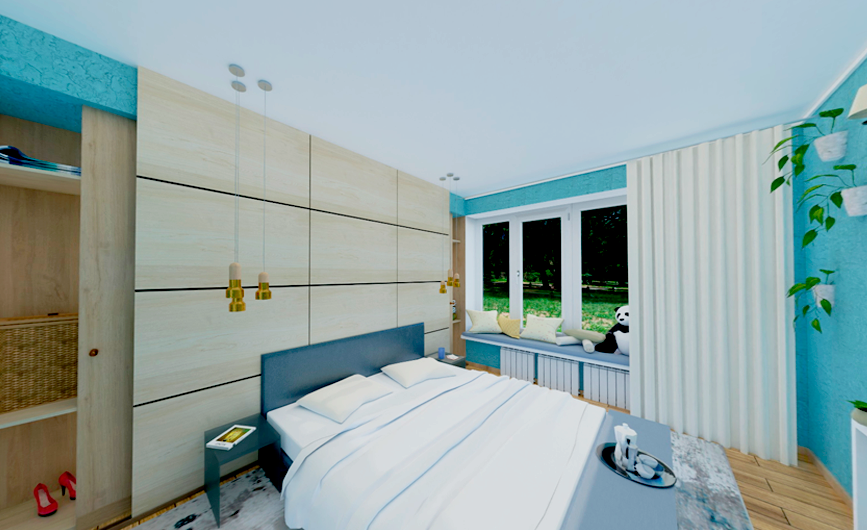
You can explore interiors and color palettes without any limits. How about a calm, minimalist Scandinavian bedroom? Or perhaps a free-spirited Boho-style one, full of unique details. Do you prefer a dynamic open-plan kitchen with an island, or a cozy, classical one with a central dining table? Go ahead, experiment until your home truly reflects your per
And don’t underestimate the power of small changes: even a subtle shift in color or texture can completely transform the vibe.
Step 5: Walk Through Your Design
Once you’re happy with the basic structure, switch to First Person mode to experience it from the inside. Open the doors, walk through the rooms, and explore every corner as slowly or quickly as you wish – it might be surprising how realistic this virtual journey feels!
Roomtodo’s beginner 3D toolkit lets you move around the virtual home just like you would live there. It’s one of the easiest ways to get a true sense of the atmosphere and catch potential issues early – like narrow doorways or awkward proportions – before any furniture goes in. Plus, you can take screenshots or make renders to share your design with others.
Step 6: Save and Share Your Work
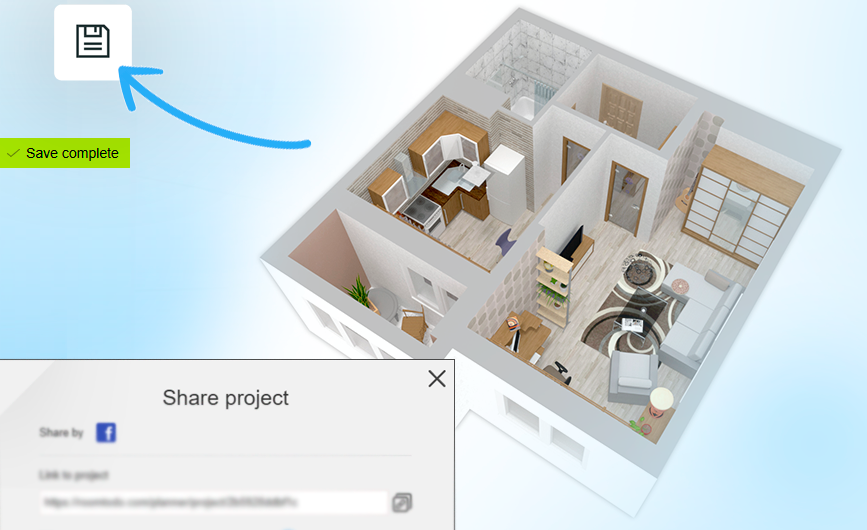
Don’t forget to save your progress. Roomtodo is a cloud-based tool, so your projects are stored online and accessible from any browser – you can create and save unlimited versions even on the free plan. However, it’s a good idea to save your work regularly: use the save or export options, especially before making big changes. This way, you’ll always have a version to go back to.
With Roomtodo’s intuitive tools, the 3D design process becomes so simple and clear that you can shape your future home to fit your ideas right now. Plan your house online for free using a blank page or an existing layout, and you’ll see for yourself: it has never been easier. Just open a new project, make your first room, and follow where your imagination leads you!



 Українська
 Русский
 Français
 Deutsch
 Español
 Português
