Planning a renovation can feel overwhelming — what looks good in your head doesn’t always work in real life. That’s where 3D interior design comes in. With tools like Roomtodo, you can preview your project before any changes are made, and spot potential issues early. This not only helps you make confident design decisions but also saves time, money, and reduces stress.
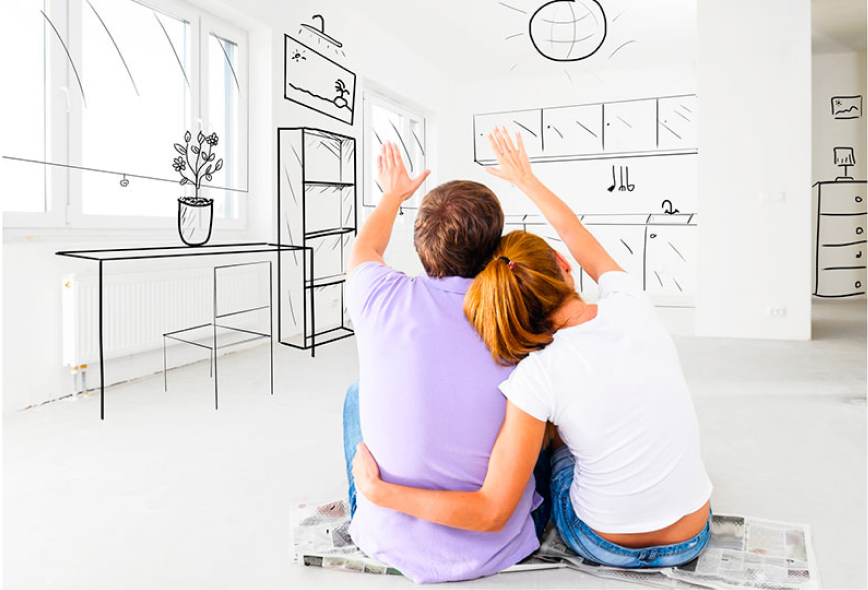
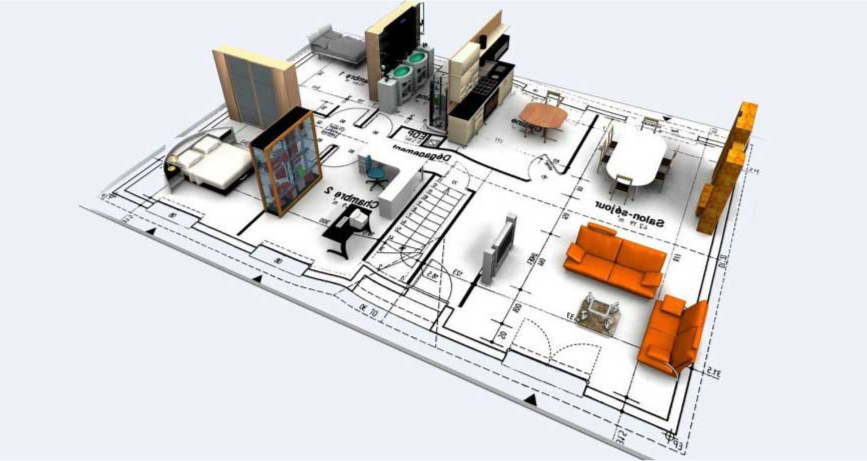
The first step is creating an accurate 3D floor plan. Take your time: measure carefully, then place walls, windows, and doors in Roomtodo as the foundation. Once set, you can experiment freely – from practical solutions to bold ideas – while keeping a few key tips in mind.
Mindfully Organise the Space
Try zoning your home by creating separate areas for work, relaxation, dining, and more. Adding unexpected zones can make your home feel more dynamic and interesting. For example, a wellness corner for yoga or meditation will help you recharge, while a tech-free zone encourages reading, drawing, or other mental activities. You might also create a conversation nook with comfy chairs for intimate chats, or a green zone filled with indoor plants to bring a natural, calming touch to your flat. With smart planning, every corner can have its own purpose and charm, and every inch works for you.
Don’t Forget Practicality
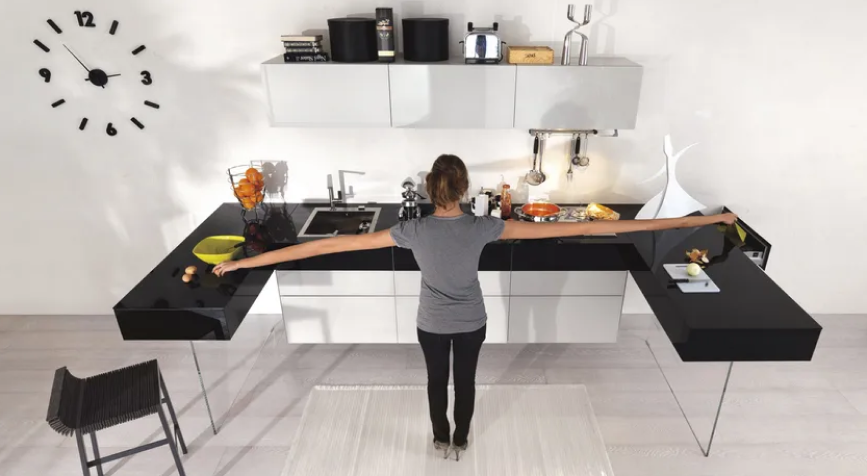
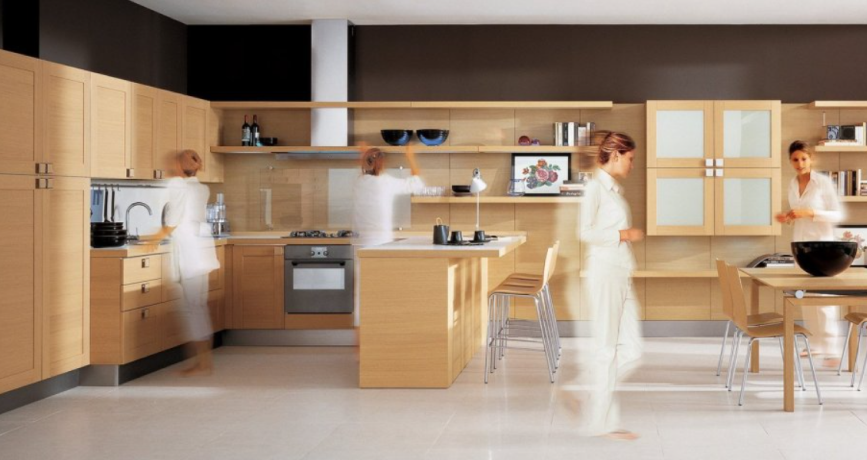
When designing in 3D, it’s easy to focus only on aesthetics, but your home also needs to function in everyday life. Consider storage, cleaning, lighting conditions, and ergonomic comfort. Furniture placed too close to a swinging door might look fine in a 3D model, but in reality, it can block movement and become frustrating. Another example is placing a radiator behind a sofa or blocking access to outlets: once installed, these elements are difficult to move. Using 3D previews in Roomtodo lets you test layouts and furniture, avoiding a lot of hassle later..
Experiment with sizes
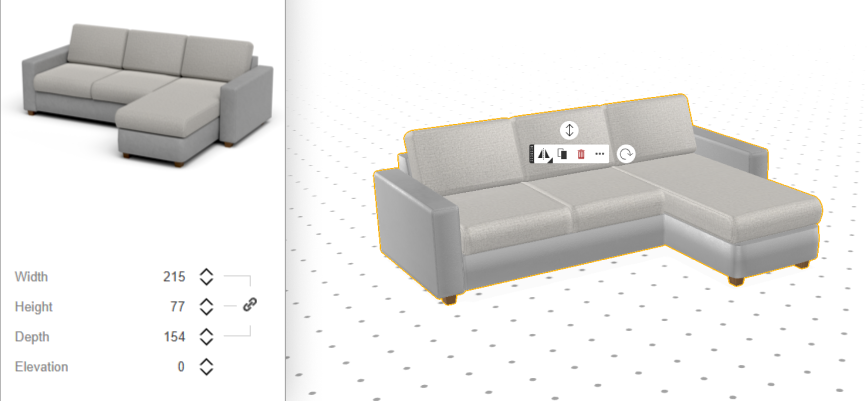
A common renovation mistake is buying furniture that doesn’t fit, blocks walkways, or overcrowds an area. In Roomtodo, you can avoid this by resizing items to your room’s exact dimensions or testing whether the pieces you have your eye on are the right proportions. This way, you can be completely confident that a sofa, a cupboard, or a picture will fit perfectly.
Changing the scale also shows how different sizes affect the room’s flow and lets you visualize larger or smaller items before buying. Sometimes it even sparks creative ideas, like turning a small corner into a cozy reading nook, or adding a standout feature that draws attention and makes the space unique.
Find your Aesthetic
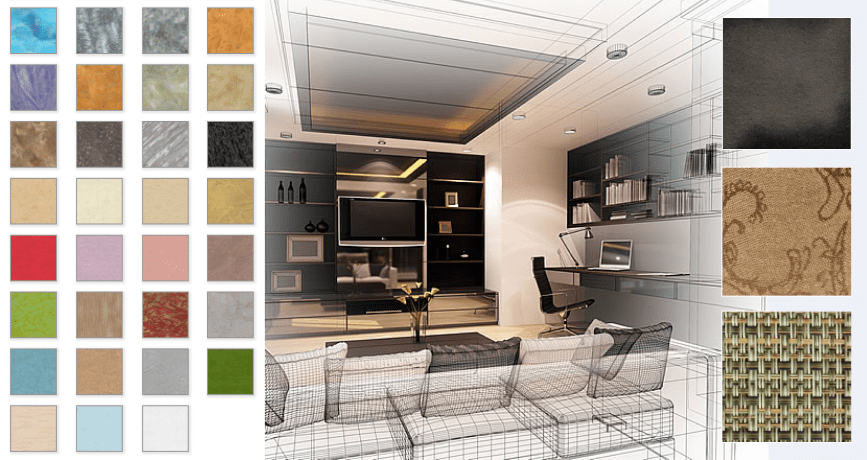
Playing with colors and materials is often the most exciting part of renovation, and 3D planner can be a truly magic tool for this. You’re free to try out all sorts of combinations, but remember: blending colors and materials well is both an art and a science, so here are some handy hints.
- Use the 60-30-10 rule: for interior design and art, allocate 60% of your space to dominant colors, 30% to secondary, and 10% for accents.
- Start with a neutral base: use neutral tones like white, black, gray, or beige to balance bold colors and create sophisticated palettes.
- Combine textures thoughtfully: mix smooth, rough, glossy, matte, and textured materials to add depth and interest.
- Balance hard and soft materials: pair rigid materials like metal or concrete with softer textiles or woods for contrast.
Take a Complete 3D Tour
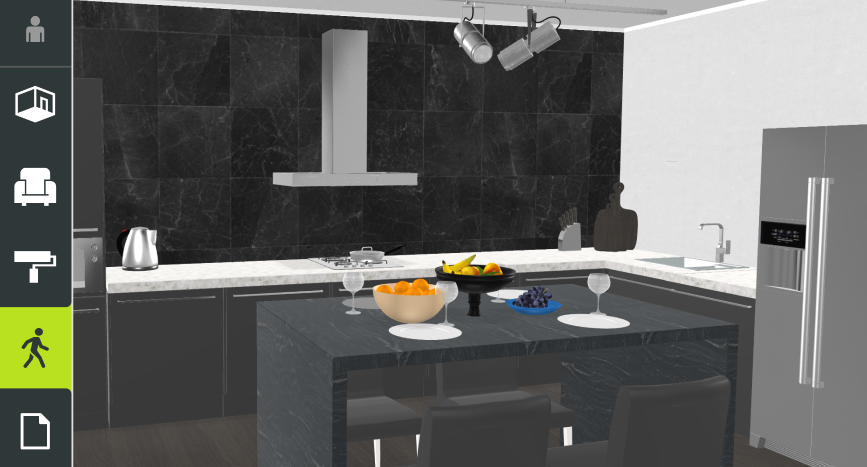
In 3D mode, you can explore everything almost like playing a video game. Get a real feel for your home, paying attention to how you move from room to room: is it comfortable, or do you find yourself navigating tight corners or awkward spots? Notice areas that feel cluttered or underused, and consider whether furniture placement, door swings, or storage solutions create obstacles. Can you see the TV from the sofa clearly? Is there enough space between dining chairs and the wall? Imagine a typical morning, cooking, cleaning, or entertaining friends. Does the atmosphere feel enjoyable for everyone?
Expert Advice
Most people already know the obvious tips like “measure carefully” or “try different wall colors.” But there are also less obvious tricks that can transform how you visualize room in 3D. For example, beginners often view the area from a top-down or unnatural angle. Instead, set the view to eye level (around 1.6–1.7 m). This mimics how you’ll actually experience the space and helps reveal whether furniture looks oversized or out of proportion.
Every great renovation starts with a clear vision, and by turning your ideas into a 3D model, you can test your choices long before any work begins. This not only helps you avoid costly mistakes but also ensures that every detail falls perfectly into place. With Roomtodo, you can preview your design in realistic 3D, walk through the space as if it already existed, and make adjustments with just a few clicks. Explore the interiors that speak to you — from sleek Scandinavian and cozy rustic to bold industrial or refined art déco — until you find the one that truly feels like home.



 Українська
 Русский
 Français
 Deutsch
 Español
 Português
