Creating a room style isn’t just moving furniture around — it’s crafting a space that feels alive, balanced, and intuitively inviting the moment you enter. At first, it might seem challenging, but with a smart 3D room planner, designing becomes almost like playing a video game. Sketch your ideas in 2D, then step right into them in 3D to see how every element interacts. Thanks to Roomtodo, the process becomes a fun immersive adventure. No more second-guessing — measure, move, and tweak until everything looks not only perfect, but exactly the way you imagined.
From Walls to Furniture: Laying the Foundation
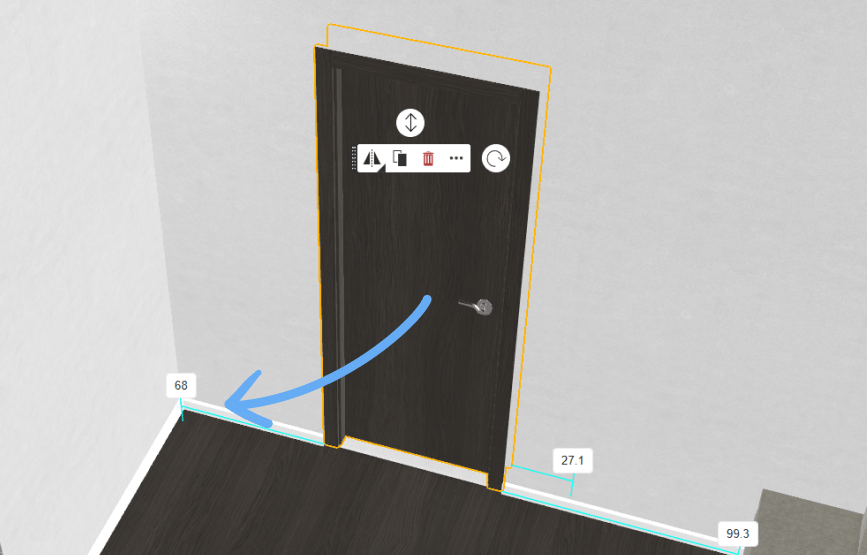
Begin in 2D mode by outlining the walls, windows, and doors. Think of it as setting up the canvas before adding your design ideas. Quick tip: it’s surprisingly easy to overlook how doors and windows open. In Roomtodo, you can adjust the swing direction in the object settings, and then check in 3D walkthrough mode to make sure nothing blocks the movement. For instance, a bathroom door swinging inward might hit the sink if you place it too close — modifying the swing avoids surprises. Pay attention to these little details, and you’ll prevent a lot of frustration later.
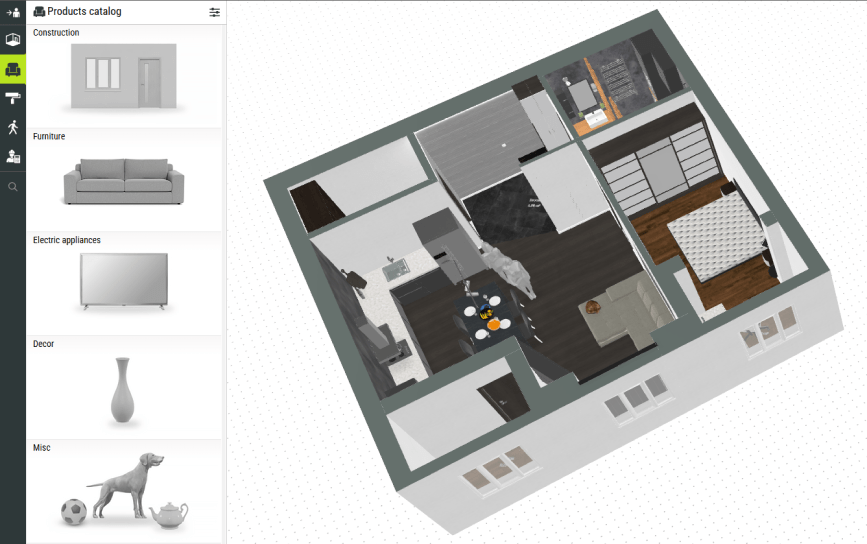
Once the basic canvas is ready, it’s time to bring in furniture. Use the drag-and-drop tool to move items around your floor plan — simply click, hold, and drag them where you want. Instead of typing in positions or numbers, you place a sofa, bed, or table directly with your mouse, then drop it exactly in the perfect spot. This makes experimenting with layouts quick and intuitive, like rearranging a dollhouse or playing Sims, but with real measurements. You can try it right now: open the Roomtodo catalog, pick a piece of furniture, and drag it into your plan. Move items around freely, resize them to match real proportions, or rotate until they fit just the way you like. A good rule of thumb is to start with the larger pieces, like a sofa, bed, or dining table, since they anchor the room. Once you’ve set those in place, you can begin layering in smaller pieces — chairs, shelves, lamps, and décor — to create balance and flow.
Roomtodo Drag-and-Drop Advantage
Compared to the tools where drag-and-drop only means “move a sofa icon on a 2D plan”, Roomtodo’s version is more advanced: there are several features that set it apart from simpler planners, especially in terms of accuracy, flexibility, and options.
- Smartobject placement system. Instead of spending ages nudging furniture into place, the app does the hard work for you. Large items like sofas and wardrobes automatically snap to walls or line up neatly with each other, while smaller objects, such as lamps and vases, stay perfectly positioned on top of bigger pieces. This keeps your layout looking polished and realistic, without all the trial and error, and helps avoid messy placements or floating gaps that often happen in simpler planners.
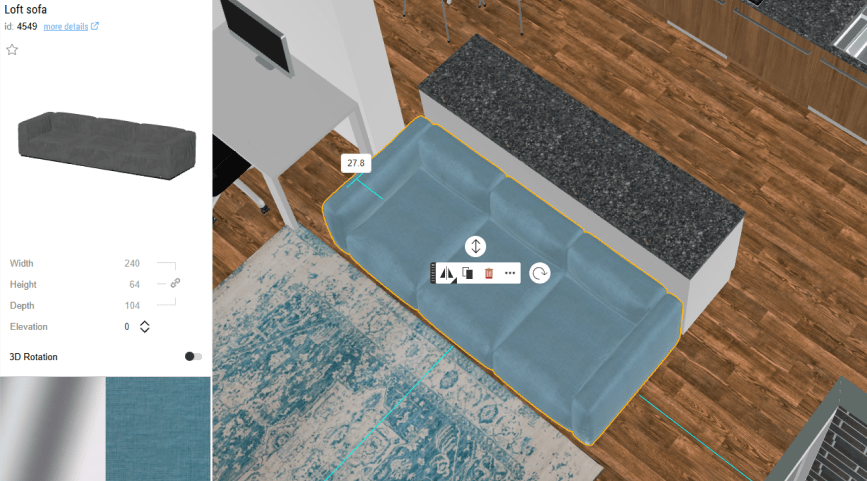
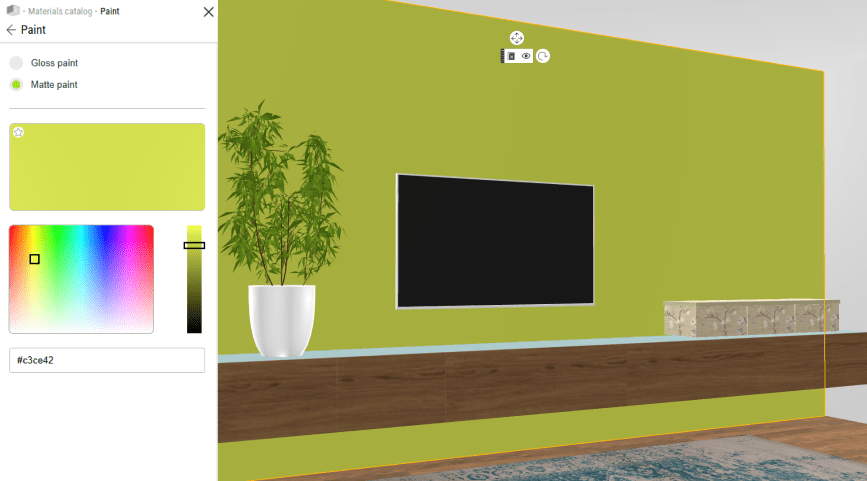
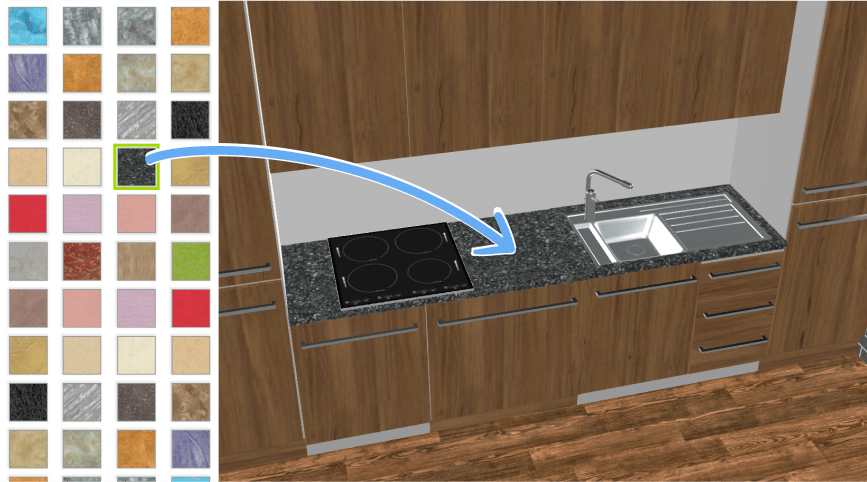
- Material drag-and-drop. It’s not just for furniture: drag wallpapers, tiles, flooring, or paint colors directly onto surfaces. This makes experimenting with finishes quick and visual, letting you see how different combinations transform the overall look. You can even mix and match materials to create unique, personalized designs before committing to any real-world changes.
- Customization. The catalog includes a wide variety of furnishings, decor, lighting, and accessories — not just simple placeholder furniture you often find in basic planners. You can change colors, textures, sizes, and combine different materials, for example trying a wood tabletop with metal legs or kitchen cabinets with stone countertops.
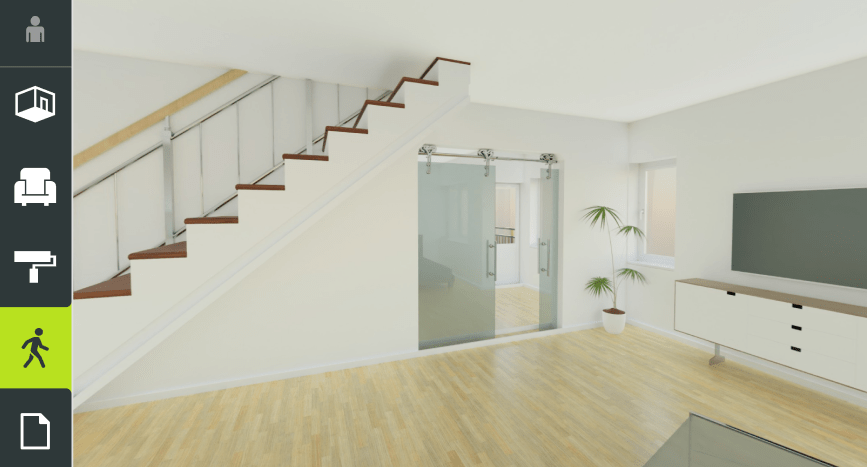
- 360° and sharing support. After arranging your furniture, create panorama shots or renders straight from your layout — perfect for sharing a realistic preview with friends, family, or clients.
Helpful Hints
Want to get the most out of Roomtodo’s tools? Here are a few handy tips. Always use real measurements for your furniture so the proportions are accurate. Play with rotation and placement — sometimes moving a chair just a little can make the whole space flow better. Be sure to check both 2D and 3D views as you go. 2D is great for getting everything precise, while 3D lets you see the home like you’re actually standing in it. You can check how the layout feels in real space and see how it seems from every angle. If something doesn’t look right, just drag and adjust — it only takes a moment. Does the sofa block the pathway to the balcony? Is it easy to pull out the dining chairs? When you plan room layout in 3D, these details can be spotted very early, and fixing them takes just a few clicks instead of heavy lifting later.
Unlike other planners that stick you in a flat layout, Roomtodo lets you jump between 2D and 3D instantly, so you can see how furniture really works together before choosing the perfect setup.
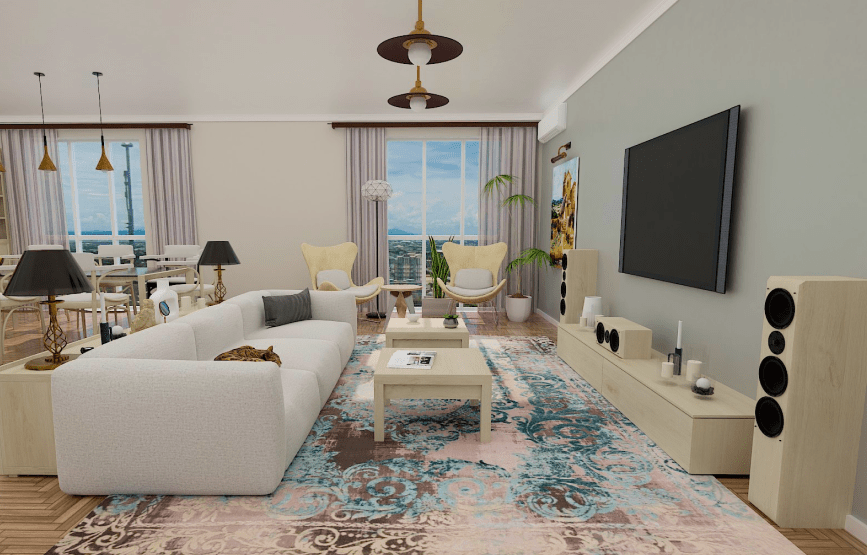
Finally, remember that good design is about layers and balance. Start with the essentials, then add décor to bring warmth and personality. Plants, rugs, and paintings can completely change the atmosphere of a room. And if you’re undecided, save multiple versions of your design — you may find the second or third layout works best..



 Українська
 Русский
 Français
 Deutsch
 Español
 Português
