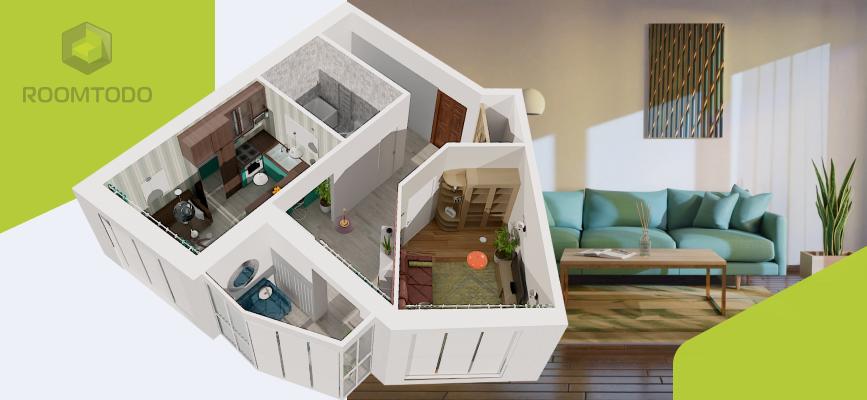
Visualizing a space in 2D floor plans is difficult. It’s hard to tell if a room will have enough "negative space" or if the "Function" of the room will be compromised by a bulky sofa. Moving to 3D allows you to apply the 7 basics of interior design with total confidence before you move a single piece of furniture.
Here are the three most effective methods to model your house for free today.
1. The Professional Planner Approach (Best for Interior Design)
If your goal is to see how your home will look with new furniture, wall colors, or a different layout, browser-based planners are your best bet.
- Top Tool: Roomtodo
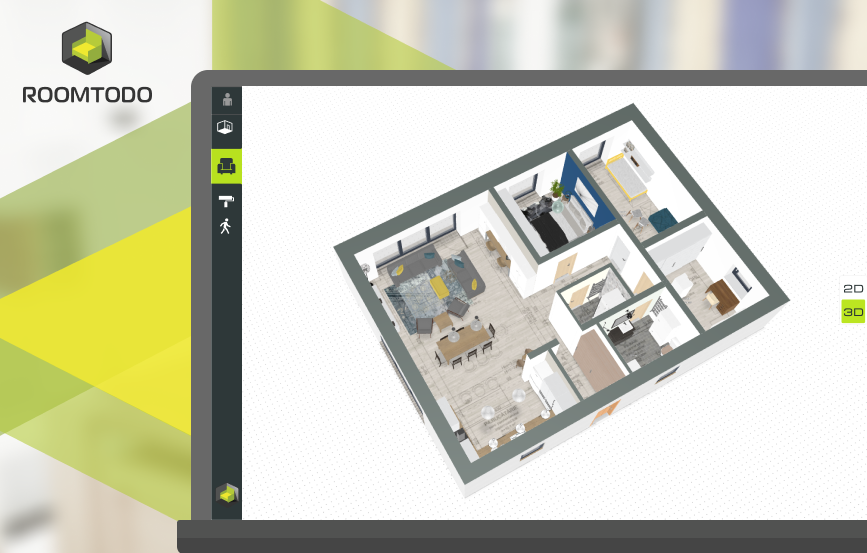
- How it works: You upload a 2D floor plan (or draw one from scratch), and the software automatically generates a 3D model.
- Why it’s great: It is incredibly user-friendly. You can switch between 2D and 3D views instantly and even "walk" through your house in a first-person view to check sightlines and traffic flow.
- Key Feature: You can test specific design principles, like the 2/3 rule for sofas, by dragging and dropping realistic furniture models into your virtual room.
2. The Detailed Modeling Approach (Best for Architecture)
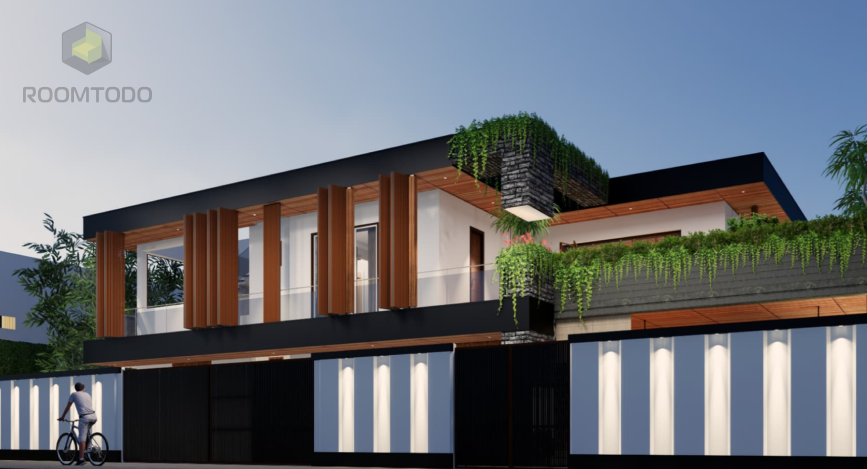
If you want to model the exterior of your house, complex rooflines, or custom structural elements, you may need a tool that offers more manual control.
- Top Tool: SketchUp Free
- How it works: A web-based version of the world-famous modeling software. It uses a "push and pull" system that allows you to turn flat shapes into 3D objects.
- Why it’s great: It offers more "artistic" freedom. If your house has a unique architectural feature—like a circular window or a custom-built porch—you can model it exactly.
- Constraint: There is a steeper learning curve compared to simple room planners.
3. The "Snap and Scan" Approach (Best for Speed)
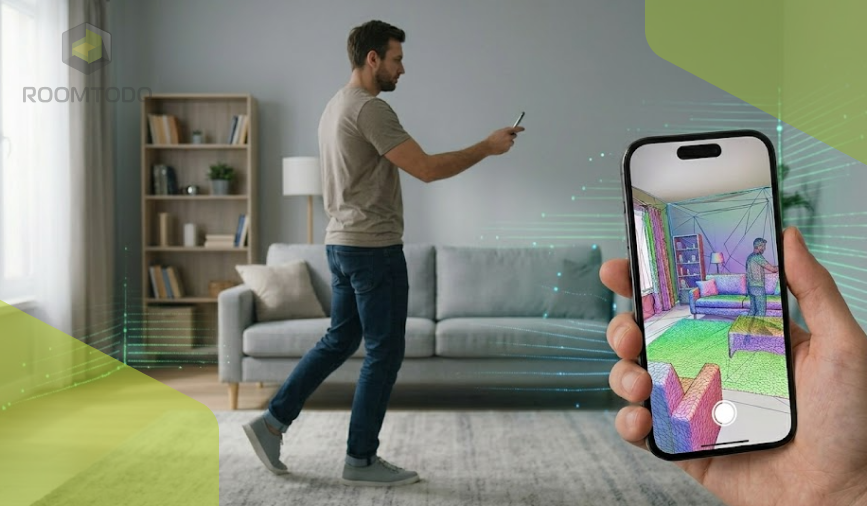
If you have a modern smartphone (especially those with LiDAR sensors), you can literally walk through your house and "record" it into a 3D model.
- Top Tools: Polycam or Canvas
- How it works: You move your phone camera around the room, and the app uses photogrammetry to stitch together a 3D mesh of your actual furniture and walls.
- Why it’s great: It is the fastest way to get a "rough draft" of your home.
- Constraint: The models can sometimes look "melted" or messy around reflective surfaces like mirrors or windows.
Which Method is Right for You?
| Feature |
Roomtodo (Planner) |
SketchUp (Modeling) |
Mobile Scanning (Apps) |
| Effort Level |
Low |
High |
Very Low |
| Accuracy |
High (User Input) |
Professional |
Variable |
| Best For |
Interior Design & Renovation |
Architectural Changes |
Quick Visualization |
| Furniture Library |
Built-in & Extensive |
User-Created & Extensive |
Your actual furniture |
3 Tips for a Better 3D Model
- Measure Twice, Model Once: Before you start, grab a laser measurer or a tape measure. A 3D model is only useful if it’s accurate. Even a 10cm error can make a virtual layout feel "wrong."
- Think About "Feeling": Don't just place walls. Use your tool's lighting settings to see where natural light hits at different times of the day. This is a core part of the Basics of Interior Design.
- Optimize Traffic Flow: Use the 3D "Walkthrough" feature to ensure you haven't created bottlenecks. Make sure there is enough space for doors to swing open fully.
Start Your Free Project with Roomtodo
You don't need to be a designer to create a beautiful 3D model. Whether you are trying to fit a home office into a small corner or completely reimagining your living room, the Roomtodo 3D Planner makes it simple.
- No Downloads: Everything runs in your browser.
- Real-Time 3D: See changes as you make them.
- High-Quality Renders: Create images of your new design to show your family or contractor.
Stop imagining and start seeing.
Create your free 3D home model with Roomtodo now!



 Українська
 Русский
 Français
 Deutsch
 Español
 Português